2.4.2 DBMS Monitoring
Menu Configuration
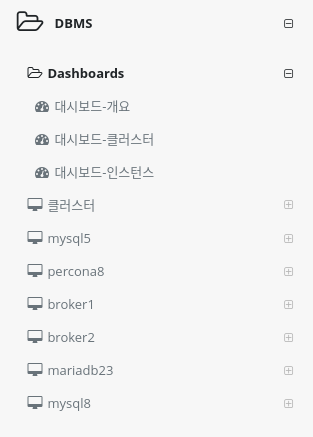
Dashboard
You can collect important items of monitoring indicators and check them in real time on one screen.
Cluster - Instance Groups
You can check the metrics of database instances in the same group, such as HA configuration, on one screen.
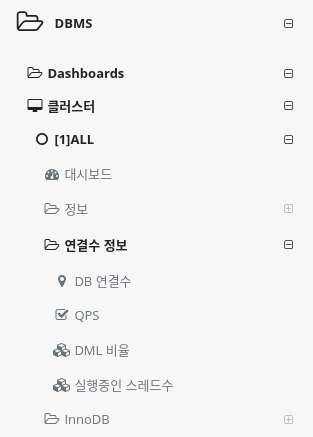
You can set up a cluster using the System Agent MySQL Plugin settings or the user cluster setting method in Application Group Management. +]
How to install System Agent MySQL
How to set up a user cluster
Single Database Instances
Displays a list of single database instances in the Metrics metrics menu.
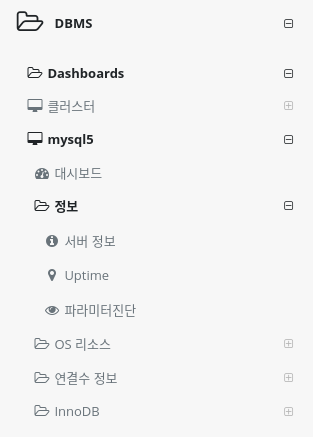
The instance name can be specified in the System Agent MySQL Plugin settings and cannot be duplicated.
How to install System Agent MySQL