2.9.2 License Management
Enter OPENMARU Cloud APM license
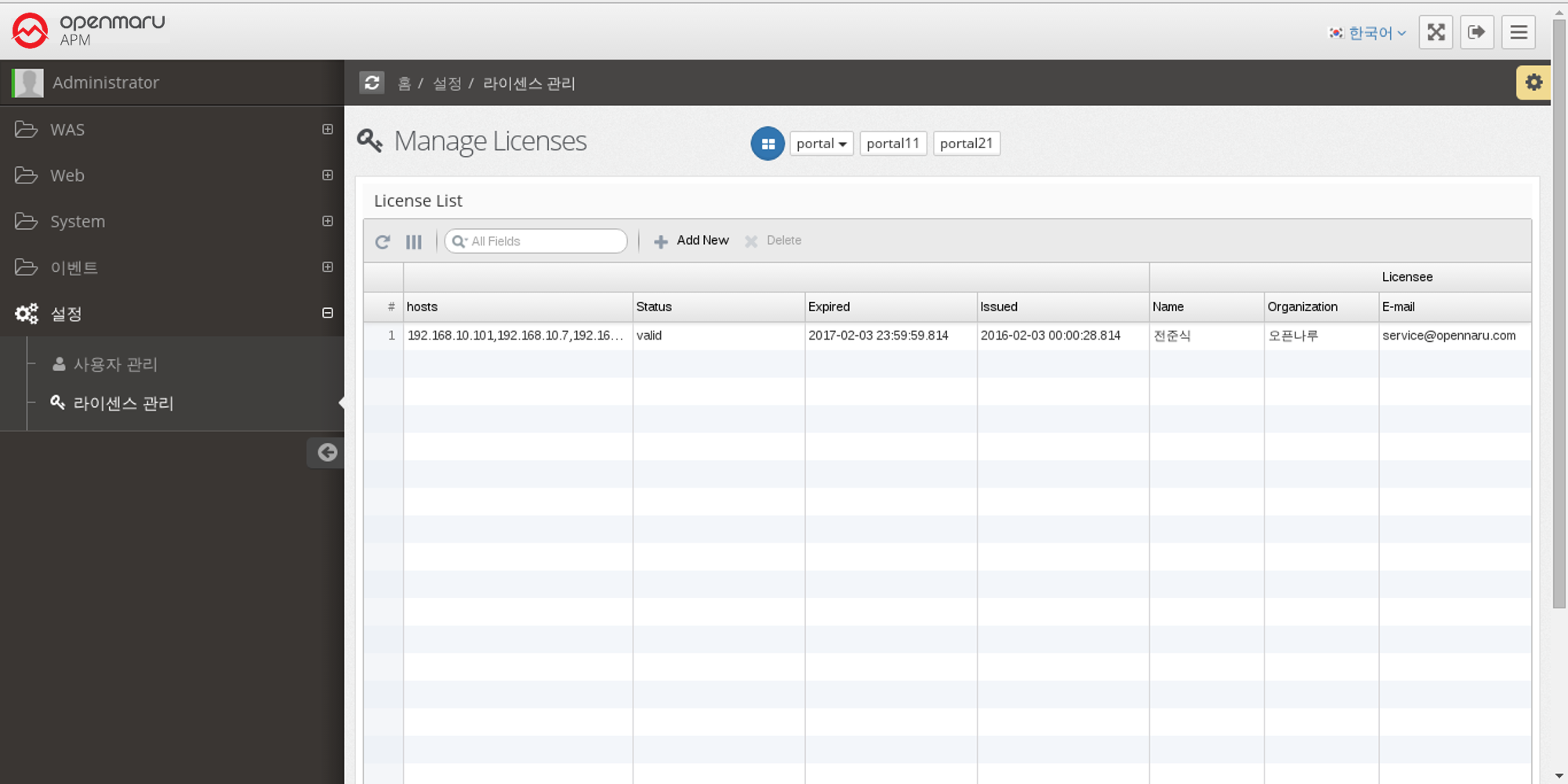
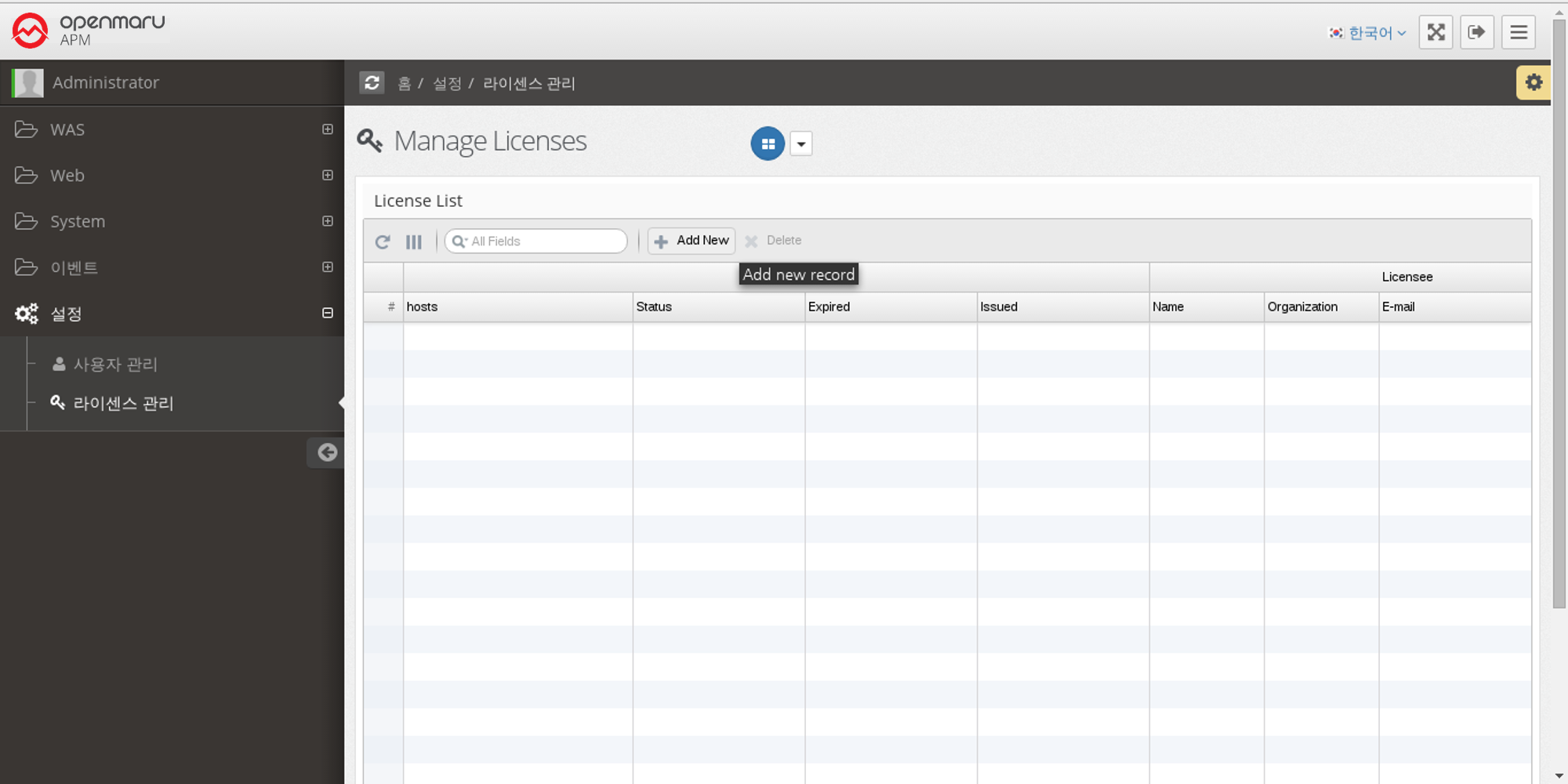
You can manage the license of OPENMARU APM as follows by selecting 'Settings' 'License Management' from the left menu. To enter the issued license, click the 'Add New' button.
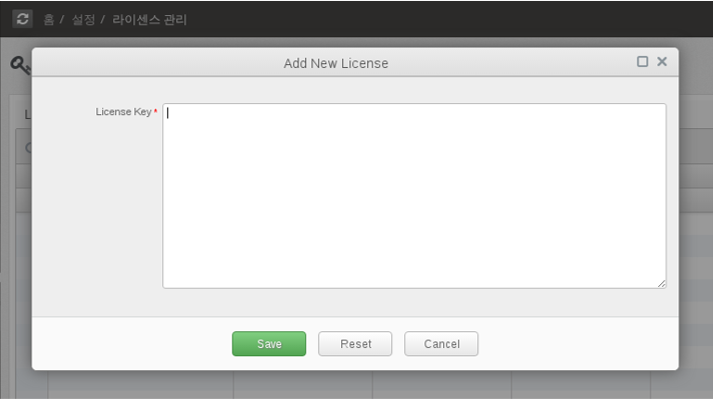
Enter the issued license in the license field and click the 'Save' button.
The license has been entered into the server as shown below.