2.5.6 System - Network Status Analysis
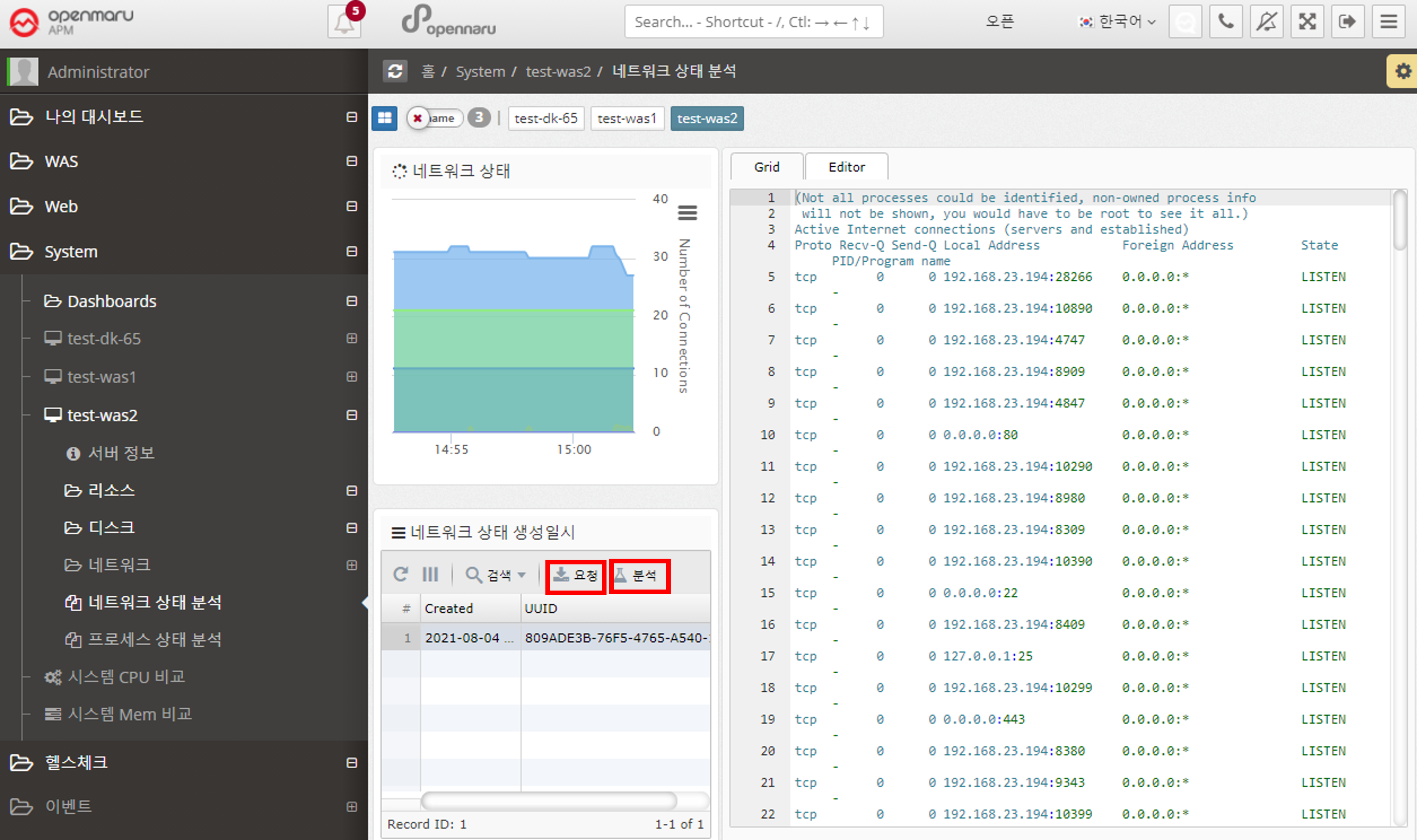
In 'System > Network > TCP Connection Status', you can only check the status of TCP connections by counting them. If a certain item becomes excessively large, it is necessary to check which port or IP address is causing this situation. You can analyze the status of individual TCP connections at the current time by clicking the 'Request' button on the left side of the network status analysis.
Each time you click the 'Request' button, the server stores the data at the current time, and when you click the 'Analyze' button, the information is displayed on the right.