2.4.3 DBMS Monitoring: Information

Server information
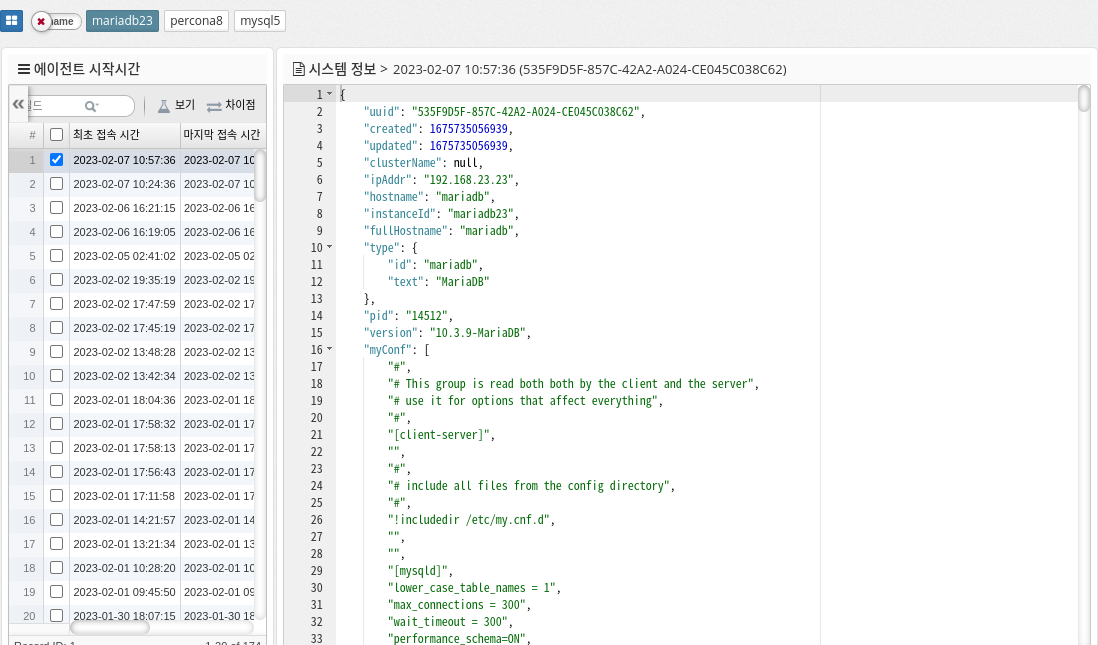
image 2023 02 07 11 12 27

Displays the server information of the DBMS.

You can check the version, server configuration, and Agent’s main configuration when running the DBMS.

Since the DBMS collects and saves information every time it is run, you can check the time it was run and the changed values. If you press 'Ctrl + F' on the displayed text, you can search the text.
Operating Hours

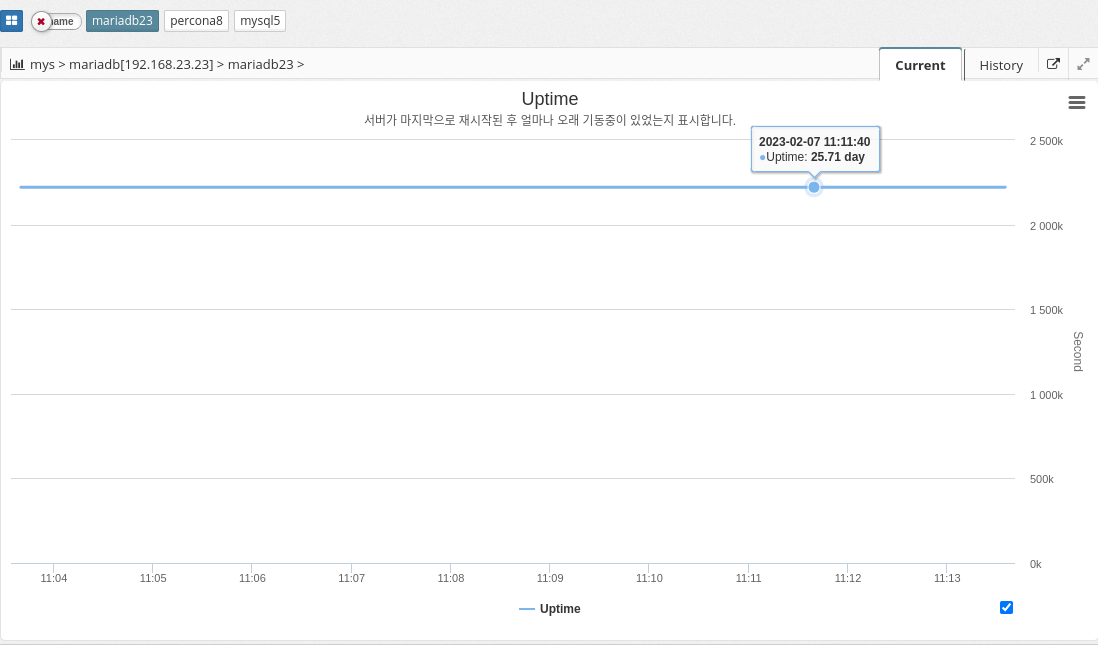
image 2023 02 07 11 09 57

Displays the time since the DBMS was started.

The parameter information used is shown below.

  • UPTIME

Parameter Diagnostics

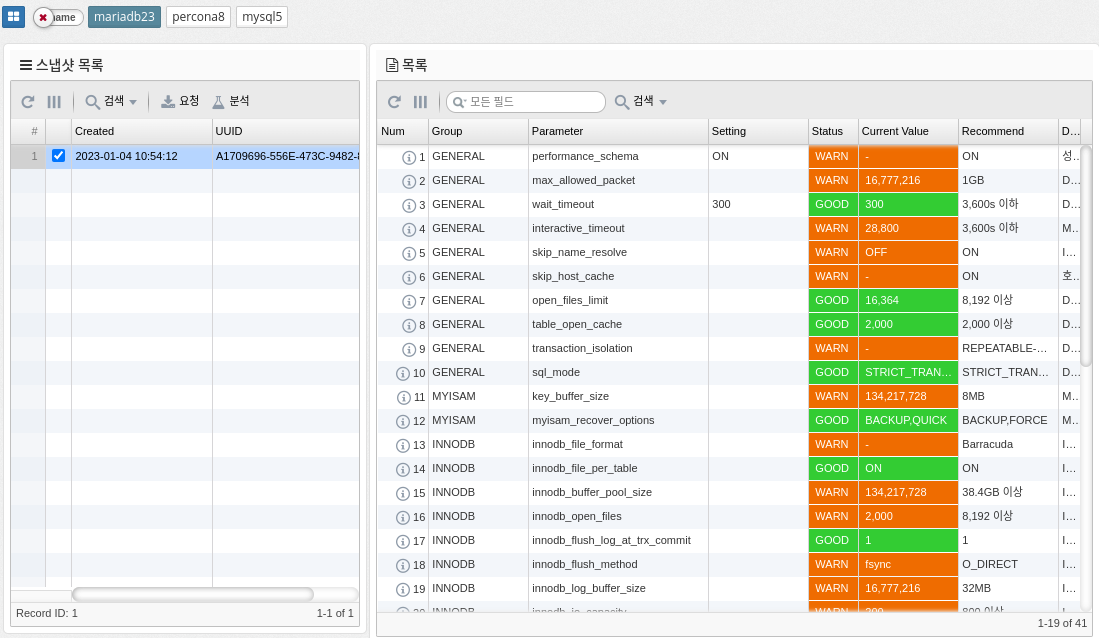
image 2023 02 07 11 15 02

Check the current parameter settings and recommended values of the DBMS.

  • Setting : Displays the value set in my.conf.

  • Current : Displays the current setting value.