2.5.4 System - Disk
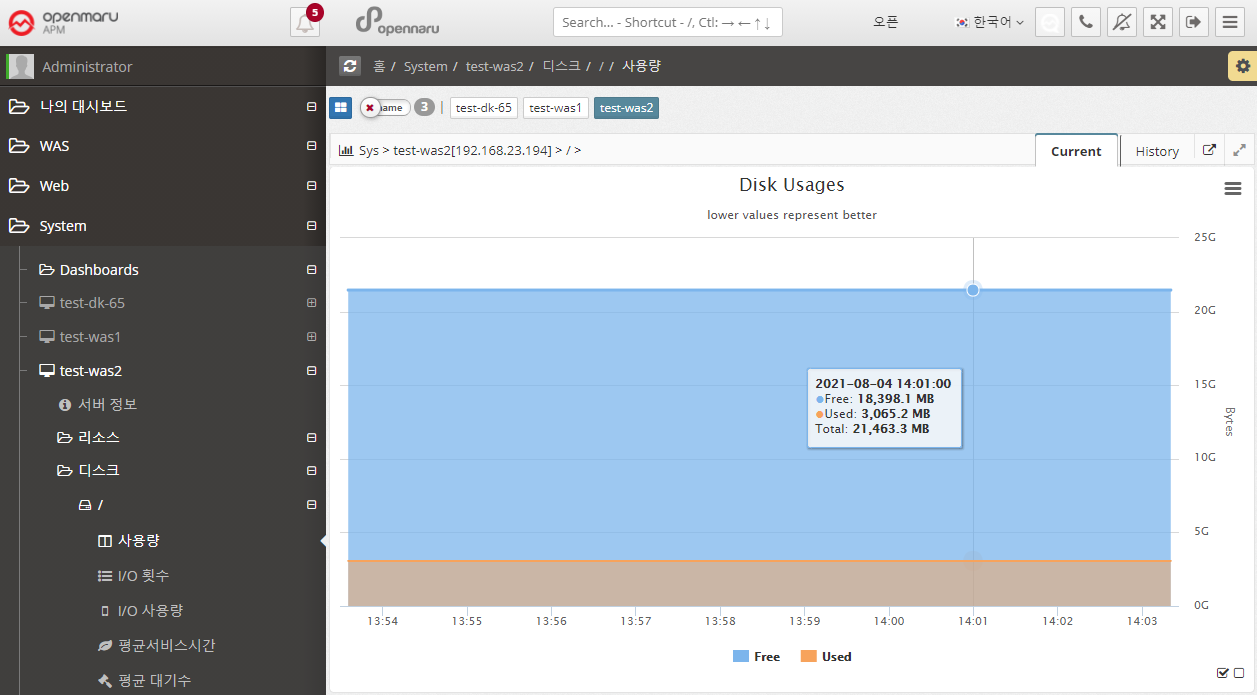
System > Disk > Usage
Displays the system’s disk usage graphically for each partition. It shows the total size and usage. Because it calculates and displays usage in bytes, the size will be slightly different from the size output by df, which displays in blocks.
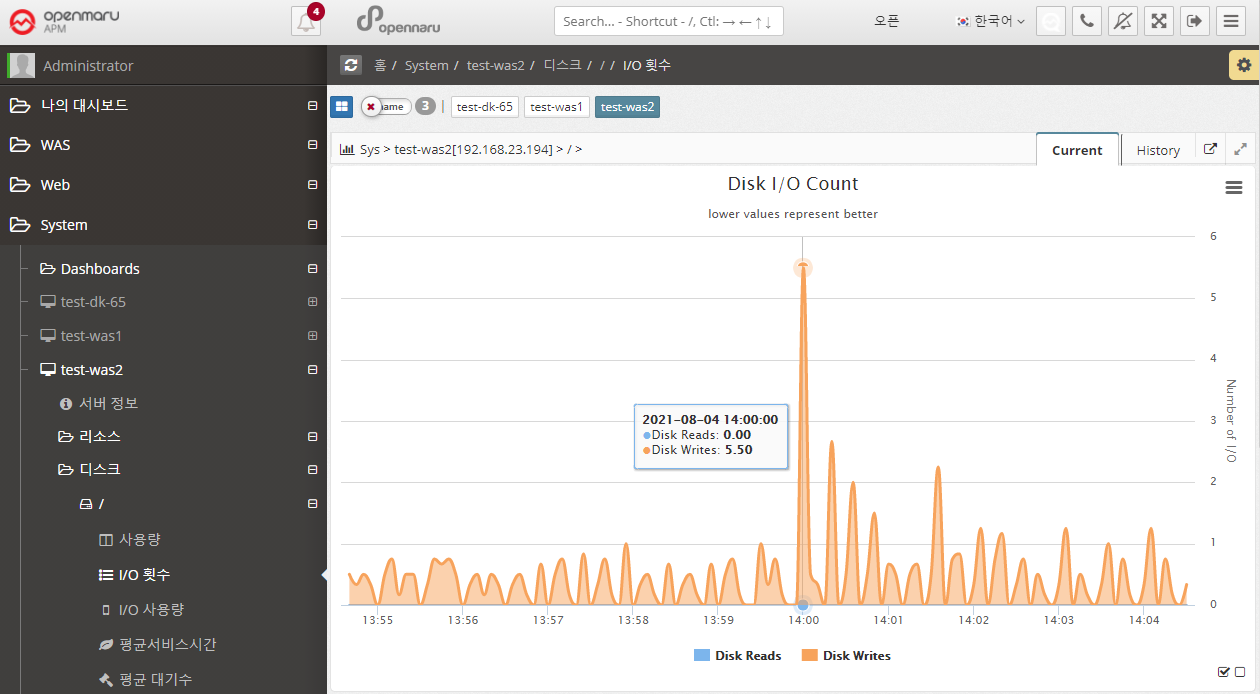
System > Disk > I/O Counts
Displays the number of disk I/Os for each partition in the system, separated by Read / Write.
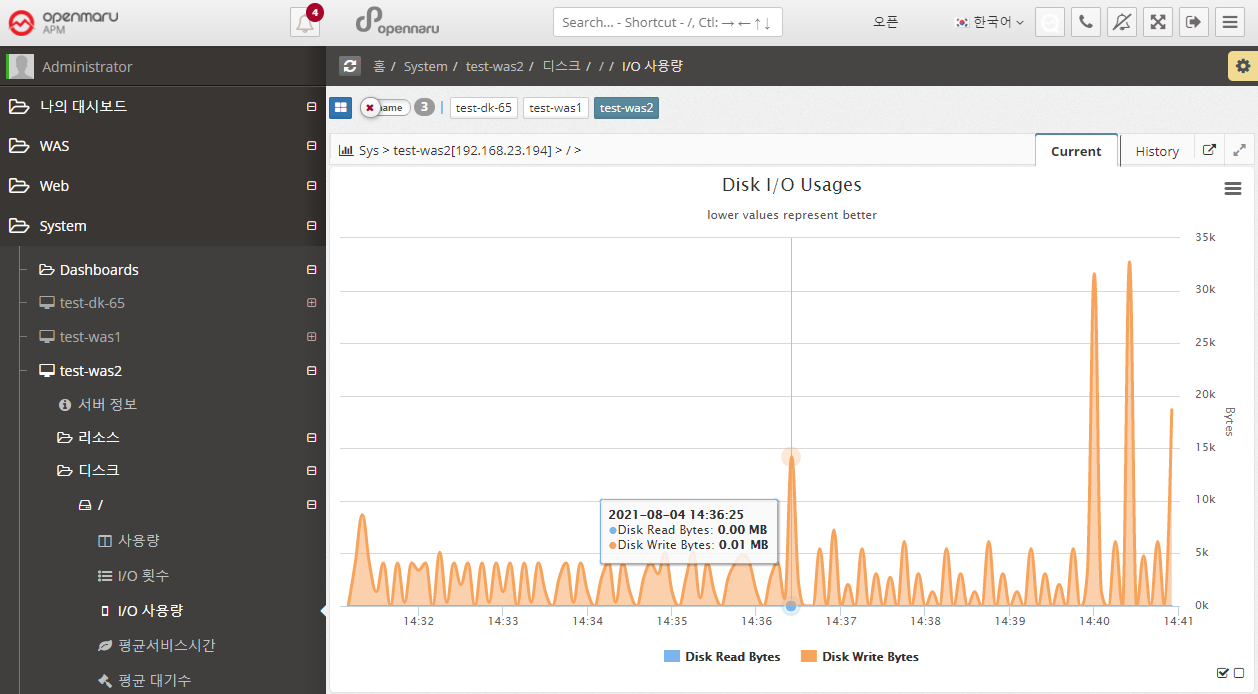
System > Disk > I/O Usage
Displays the amount of disk I/O bytes for each partition in the system, separated by Read / Write.
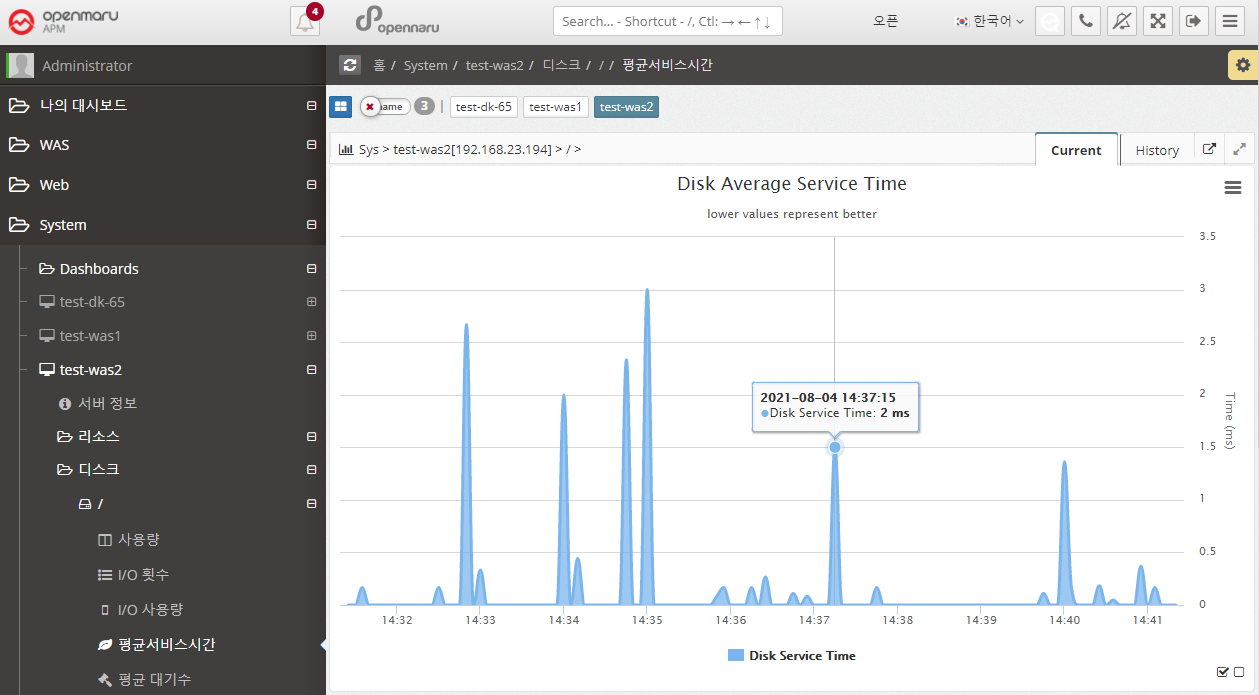
System > Disk > Average Service Time
Disk Average Service Time (ms) shows the average amount of time it took to process a disk read/write request. This time does not include the time spent waiting in the queue for processing. A service time of 10 ms or less is considered a good value. Anything above 20 ms is a potential bottleneck.
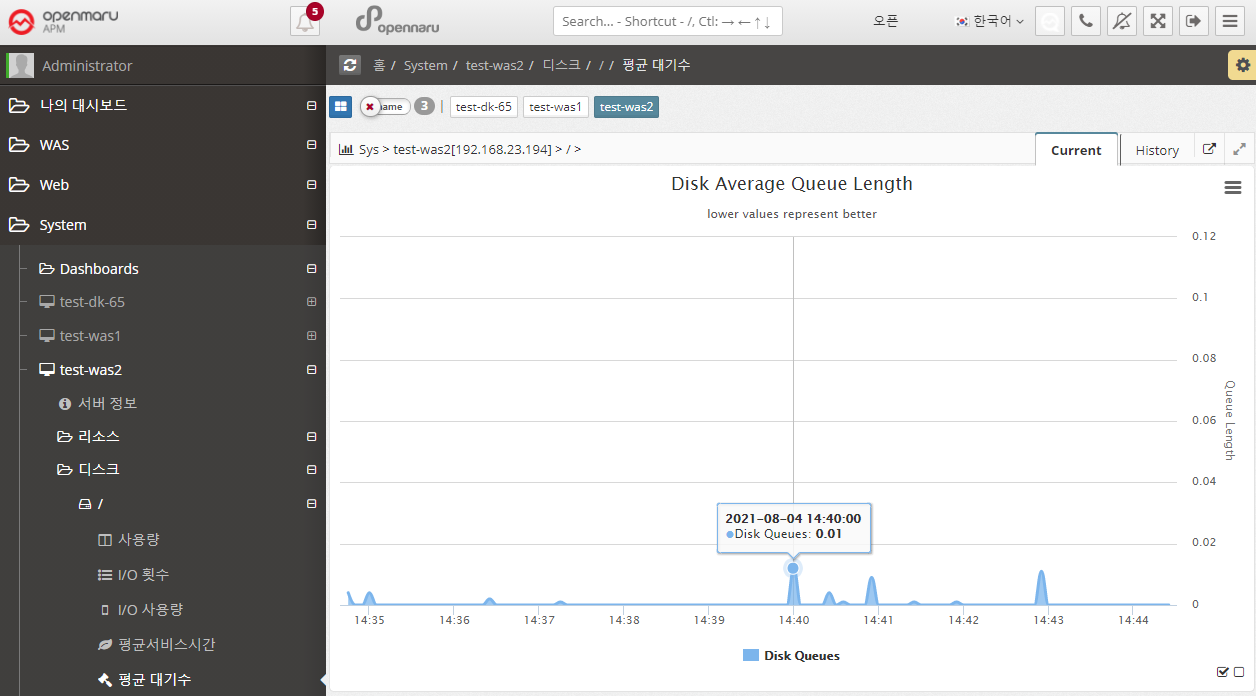
System > Disk > Average Wait
Graphically displays the average size of the queue of requests waiting for disk writes/reads.
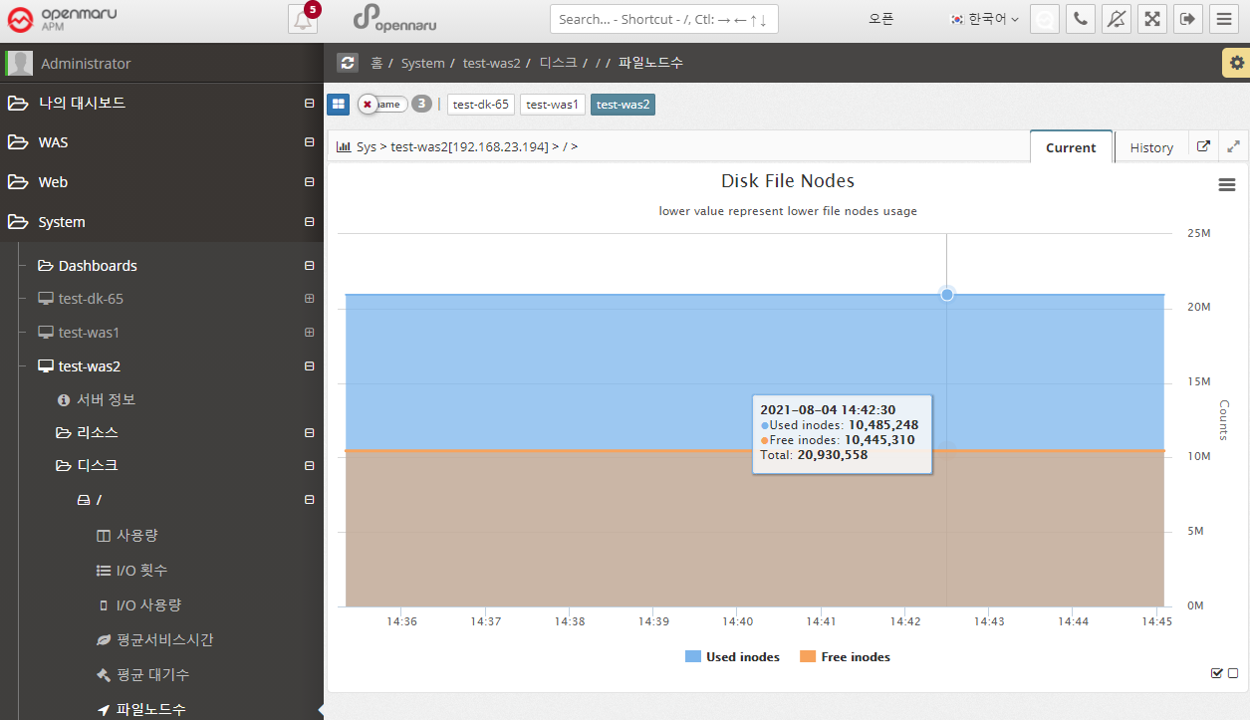
System > Disk > File Node Count
File Node Count graphs the number of inodes. An inode is a data structure used by Unix-like file systems that holds information about the file system, such as files and directories. Each file has one inode, which contains information about the file, such as the owner group, access mode (read, write, execute), and file type. Files within a file system are identified by their unique inode number.
Typically, when a file system is created, about 1% of the total space is allocated for inodes. Once the number of available inodes is used up, no more files can be created, even if disk space is available. You can easily run out of inodes by creating too many files in one directory.