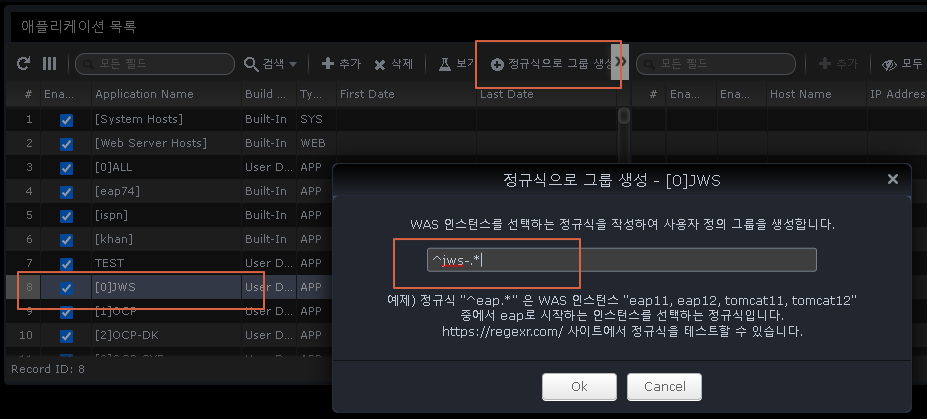
2.9.1 Settings
Manage User Groups
User Groups is a menu to manage the groups to which a user belongs.
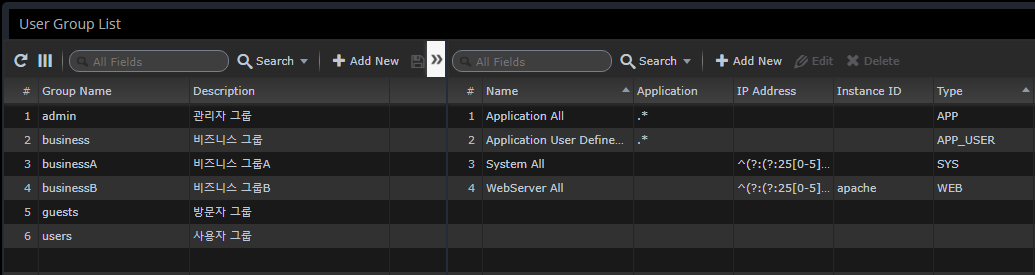
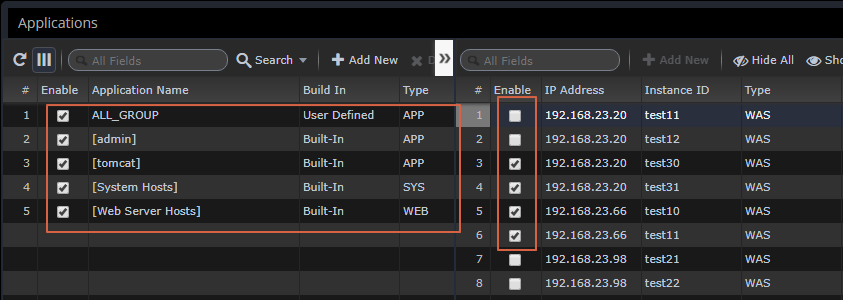
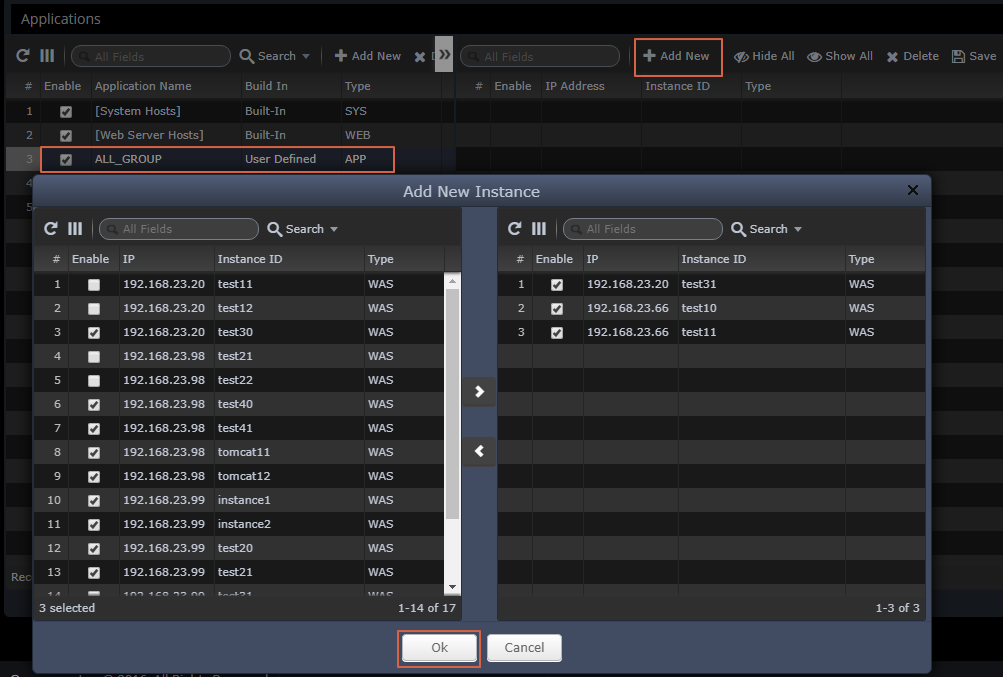
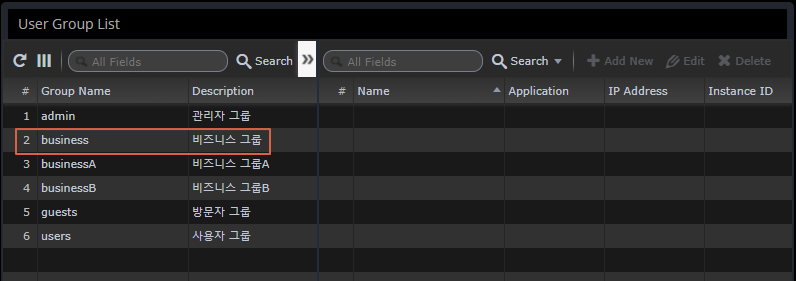
Assign administrative resources to groups
This is used to selectively control the monitored application by department/team.
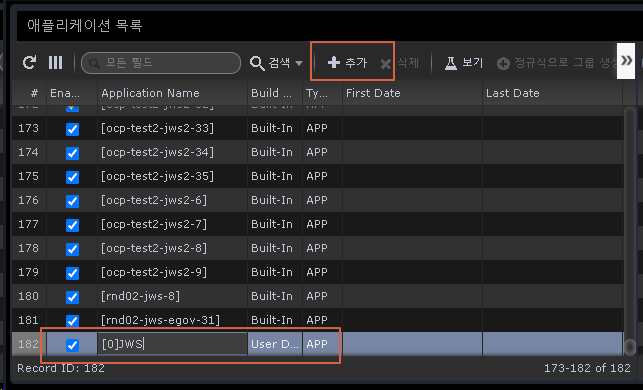
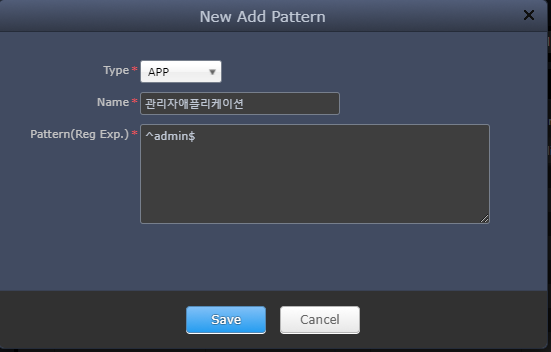
You can selectively assign them through regular expressions.
-
Type
-
APP - Monitor WAS default application group
-
APP_USER - "Application Group" management book default group specified as user-defined
-
WEB - Web Server monitoring
-
SYS - System monitoring
-
As a result of the assignment with the regular expression "^admin$", only information about that application can be monitored by that account.