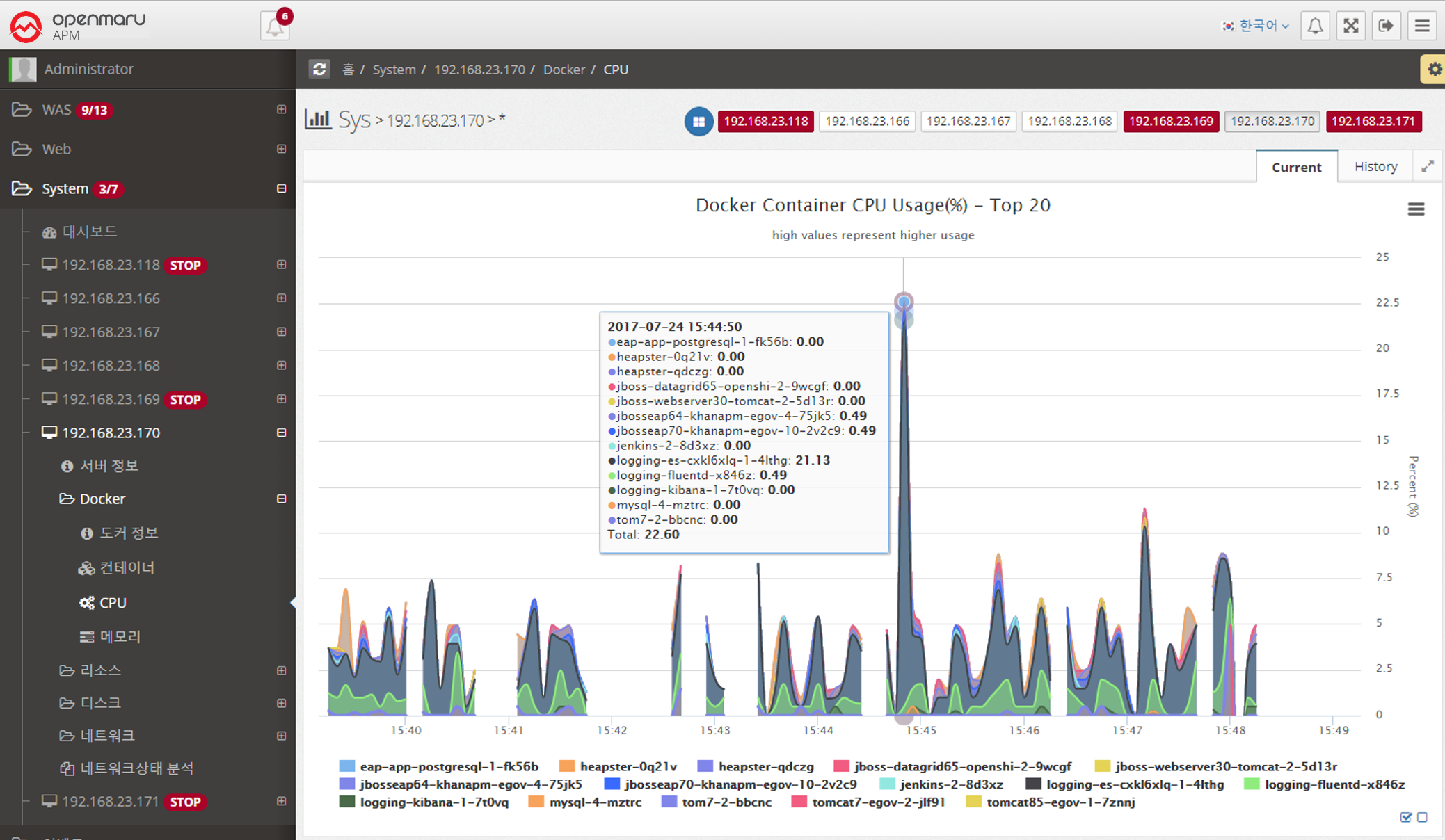
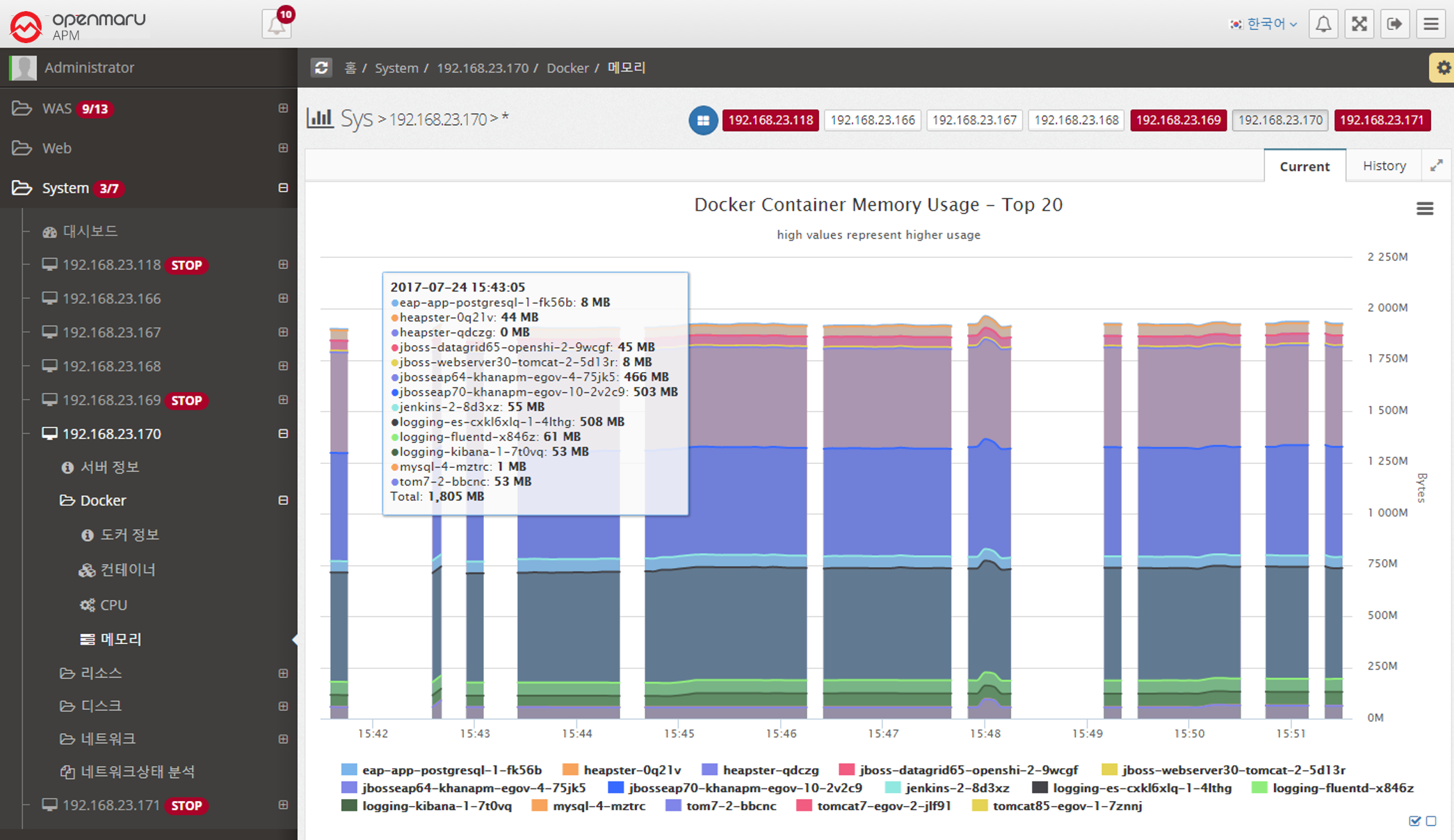
2.5.2 System - Docker
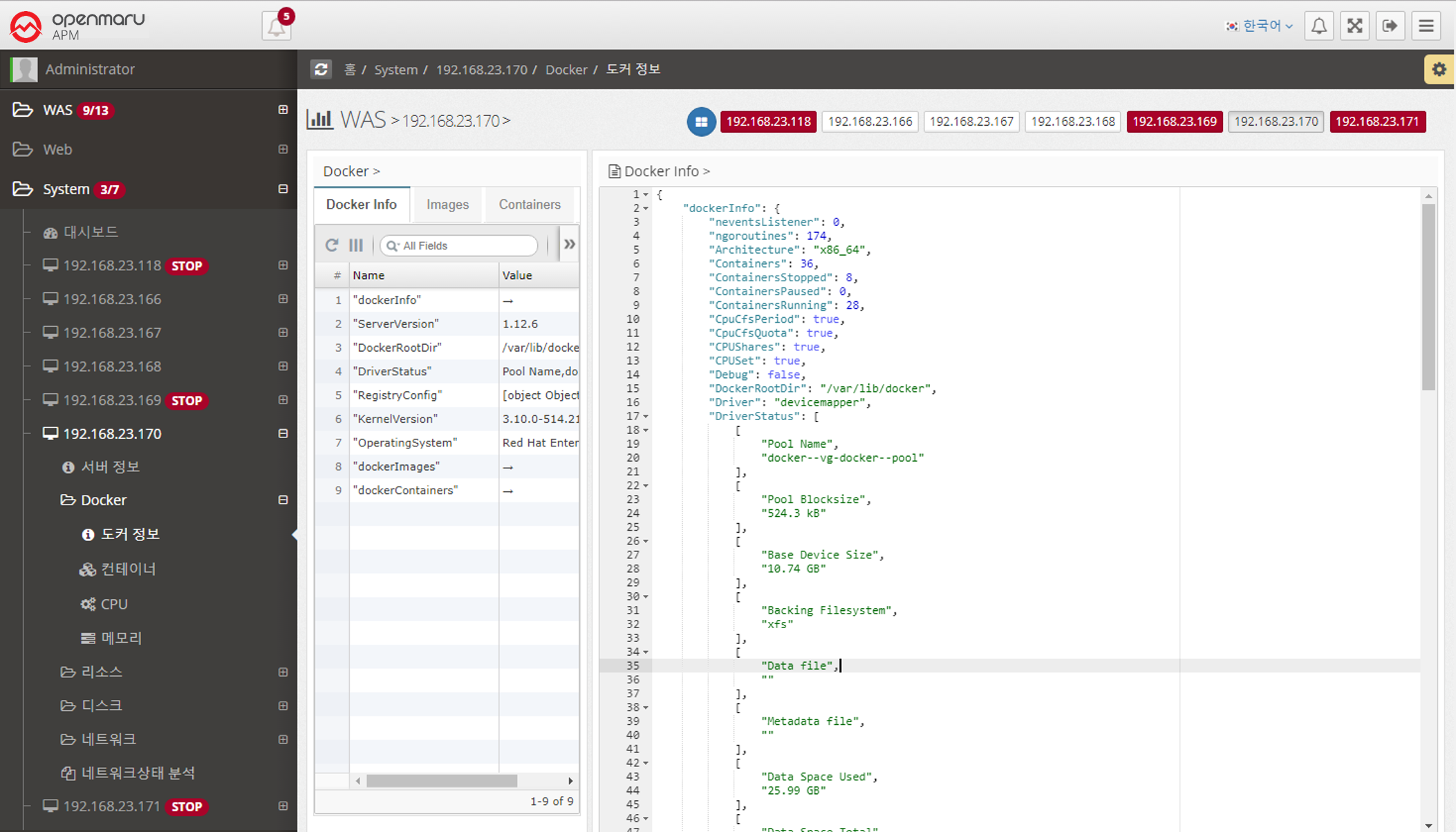
System > Docker > Docker Info
You can check the current Docker basic information, Image list, and Container list information.
| Item | Description |
|---|---|
Docker Info |
Installation information such as server version, kernel version, etc. |
Images |
List of pulled images |
Containers |
List of executed containers |
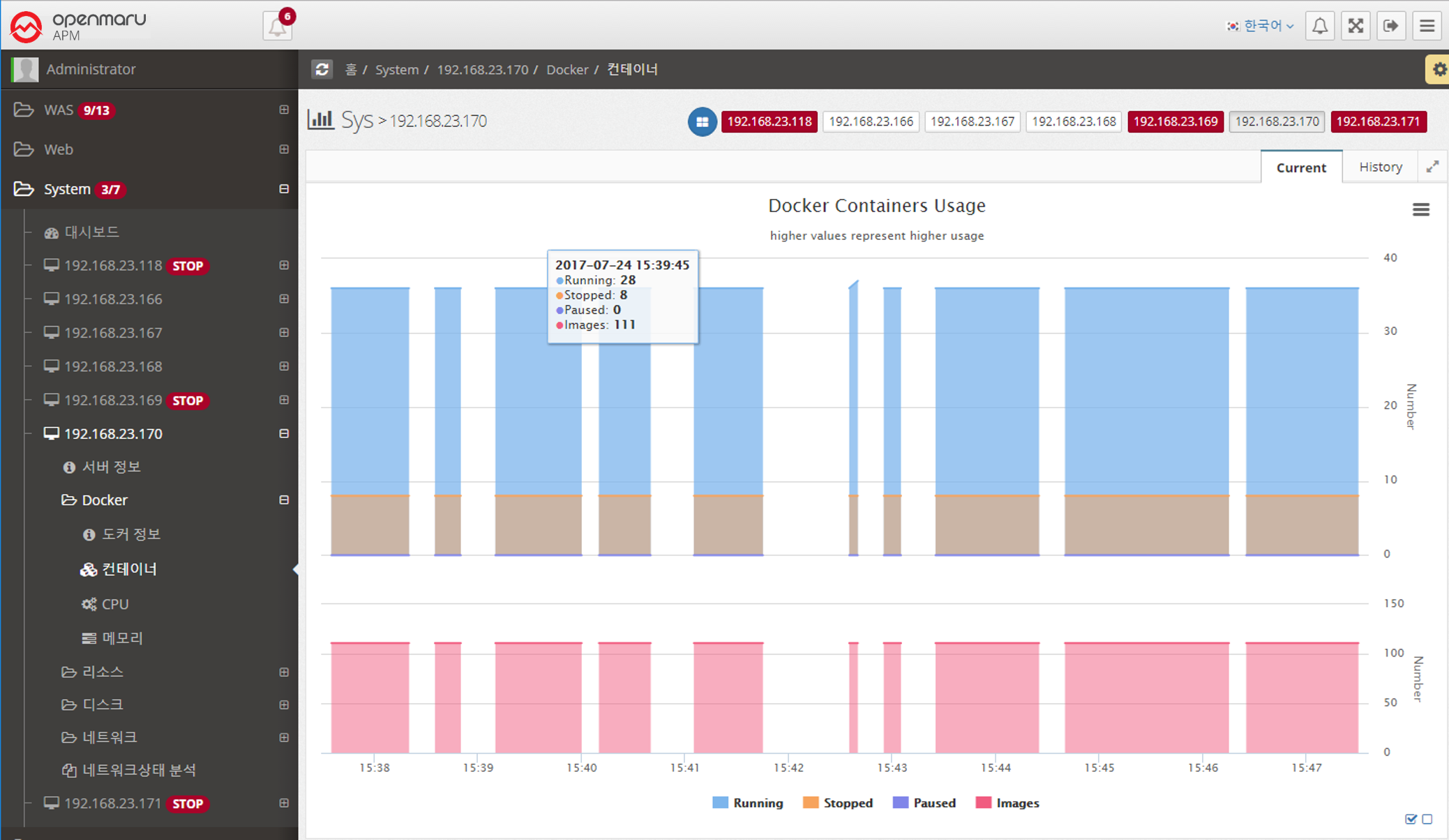
System > Docker > Containers
You can check the current container status.
Running, Stopped, Paused, and Number of Images