Using an OPENMARU APM Image in an OpenShift application
Now, change the base image in the Dockerfile to the image with the OPENMARU APM Agent installed and build it.
Change the FROM clause in the Dockerfile
*FROM registry.access.redhat.com/jboss-eap-6/eap64-OpenShift*

… omit …
⇒
*FROM docker-registry-default.ocp-dev.opennaru.com/jboss-eap-6/eap64-OpenShift*

… omit …
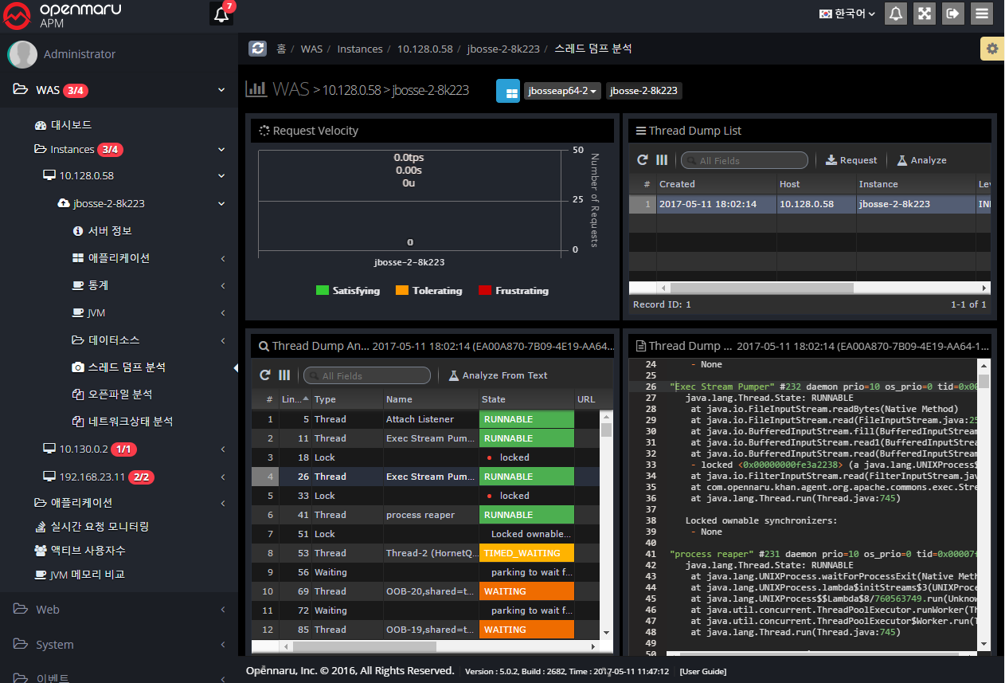
After deploying the application using the image built as above, you can perform detailed monitoring of the application on the OPENMARU APM monitoring server.